

Last Updated: 2 October 2025
Okay, be honest for a second — when was the last time you actually looked at your salary slip?
Most of us just see that “Salary Credited” message, do a happy dance, and move on.
But one fine day, someone asks for your latest payslip — maybe your bank, a visa officer, or even your HR.
That’s when the panic hits: “Wait… where do I even get that from?”
If you’ve been there, relax — this chat’s for you.
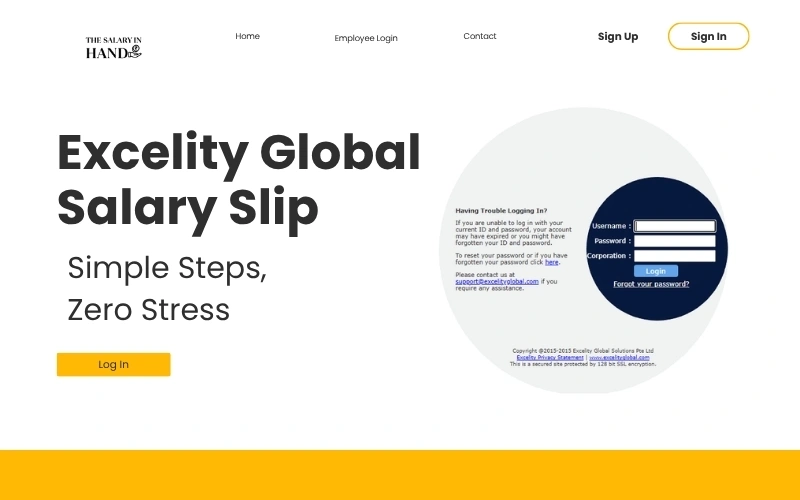
Let’s talk about how you can easily get your Excelity Global salary slip, check it anytime, and understand what all those fancy numbers actually mean — without calling HR every month.
So… What Is This “Excelity Global” Thing Anyway?
Think of Excelity Global as the behind-the-scenes superhero that manages salaries for tons of companies.
They handle payroll — which means they’re the reason your salary lands in your bank on time.
Now, instead of giving you paper slips like it’s 1999, Excelity gives you access to a cool online portal where you can:
-
View your salary slip.
-
Download it as a PDF.
-
Check your taxes, PF, and deductions.
-
Even update personal info — all on your own.
Basically, Excelity’s ESS (Employee Self Service) portal is like your private HR zone.
No waiting. No begging for payslips. No email chains. Just you and your data.
Also Read: Jagdeep Singh Salary
Why Should You Even Care About Your Salary Slip?
Let’s be real — you should.
Because that little PDF does a LOT more than you think.
Here’s the short version:
-
It’s your proof of income — banks love it when you’re applying for loans.
-
It helps with visa or travel documentation.
-
It’s crucial for tax filing.
-
It shows exactly how your company structures your salary — so you know what you’re really earning.
So yes, your Excelity Global salary slip isn’t just a boring HR document.
It’s your monthly money report card.
Step-by-Step: How to Log In to Your Excelity Global Salary Slip Portal
Alright, let’s make this as easy as ordering pizza
-
Go to your company’s Excelity login page.
(It usually looks like this 👉 https://yourcompanyname.excelityglobal.in) -
Click on “Employee Login” or “ESS Login.”
-
Enter your User ID / Employee Code.
-
Type in your Password (it’s case-sensitive, don’t yell at the caps lock key).
-
Click Login.
And that’s it — you’re in! 🎉
Inside your dashboard, you’ll find everything neatly organized.
Look for the “Salary Slip” or “Payroll” section, and you’ll see all your monthly payslips ready to view or download.
Downloading Your Excelity Global Salary Slip — The Fun Part
Now comes the best part — downloading that beauty
Once you’re logged in, do this:
-
Go to the Payroll / Salary Slip tab.
-
Choose the Month and Year you want.
-
Hit Download or Export as PDF.
-
Boom. You now have your Excelity Global salary slip sitting safely on your laptop or phone.
No forms. No waiting for HR’s reply. Just pure peace of mind.
“Uh-oh… I Forgot My Password!”
Happens to all of us, buddy.
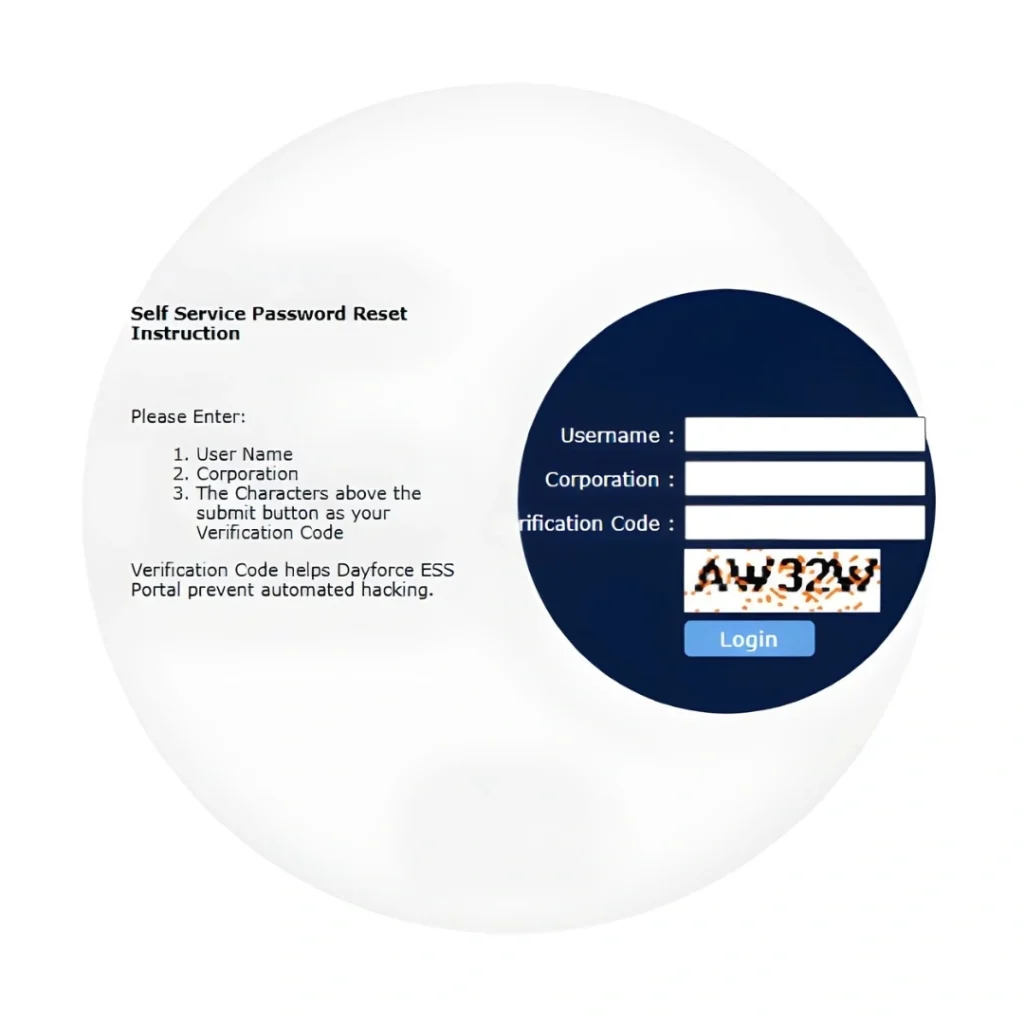
Don’t stress — Excelity’s password reset process is super simple.
-
Go to your company’s Excelity login page.
-
Click “Forgot Password.”
-
Enter your email or employee ID.
-
Check your inbox for a reset link.
-
Click it, set a new password, and log right back in.
Pro tip: Pick something simple like Coffee@123 or MySalary2025.
Just… maybe don’t make it “Password123.”
What’s Inside That Excelity Global Salary Slip?
Okay, so you’ve got your Excelity Global Salary Slip open.
But it’s filled with words like Basic, HRA, PF, and TDS — and you’re wondering if you accidentally opened a math test.
Let’s break it down like friends:
| Earnings (Money In) | Amount (₹) | Deductions (Money Out) | Amount (₹) |
|---|---|---|---|
| Basic Salary | 30,000 | PF | 3,000 |
| HRA | 12,000 | Professional Tax | 200 |
| Special Allowance | 8,000 | TDS | 2,500 |
| Total | ₹50,000 | Total Deductions | ₹5,700 |
| Net Pay | ₹44,300 |
Translation:
You earned ₹50,000, the system deducted ₹5,700 for taxes & PF,
and your take-home pay — the one that shows up in your account — is ₹44,300.
Simple, right?
Why Excelity Global salary slip Is Way Better Than Paper Slips
Let’s play a quick comparison game:
| Feature | Excelity Global | Old Paper Salary Slip |
|---|---|---|
| Accessibility | 24/7 online | Only when HR gives it |
| Accuracy | Automated & clean | Prone to typos |
| Security | Password-protected | Easy to lose |
| Eco-friendliness | 100% paperless | Waste of paper |
| Convenience | One-click download | Wait for HR approval |
Let’s just say — Excelity is like Spotify Premium,
and paper slips are the old CD player your uncle still uses.
Also Read: Anjana Om Kashyap Salary 2025
The ESS Portal — Your Personal HR Buddy
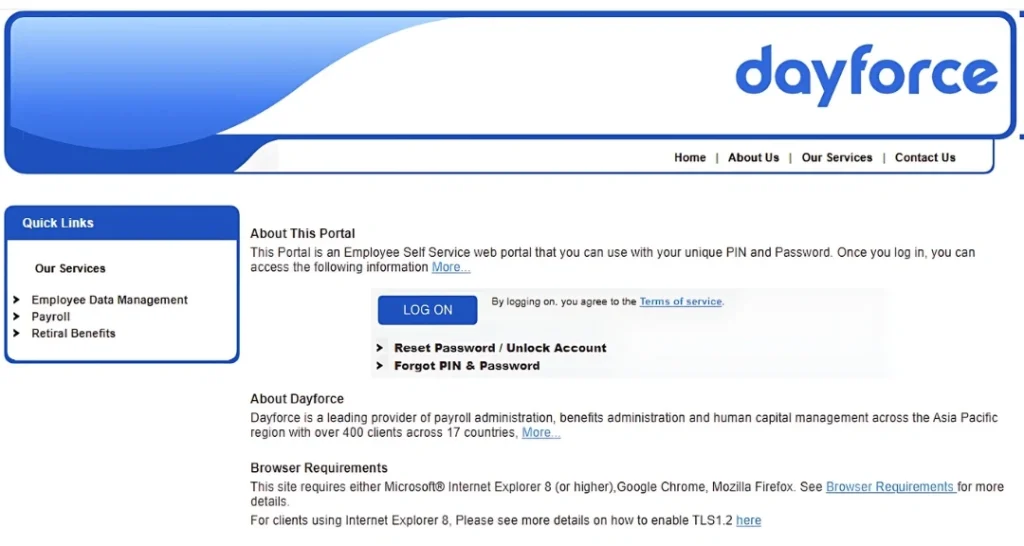
The Excelity Global ESS Portal isn’t just for Excelity Global Salary Slips. It’s your all-in-one control room.
You can:
-
See your leave balance.
-
Submit investment proofs.
-
Track your PF and taxes.
-
Update your contact details.
-
Check salary slips for any month.
Basically, no more running after HR for every small thing.
You’ve got control — right from your desk, or your couch, or even your cab ride home. 🚗
Expert Take 💬
“Payroll tech like Excelity isn’t just a system — it’s employee empowerment.
People feel confident when they can access their salary details instantly.”
— Nisha Verma, HR Consultant (2025)
And honestly, she’s right.
Once you get used to Excelity’s ESS portal, there’s no going back to the old-school mess.
Also Read: 8th Pay Commission Fitment Factor Boost 2025
Real Talk: Things to Remember
-
Every company has its own Excelity portal link. If you’re unsure, ask HR.
-
Passwords are case-sensitive — check your caps lock!
-
If your salary slip isn’t showing, wait a day — sometimes uploads take time.
-
Always download and keep your monthly slips saved. You’ll thank yourself during tax season. 😅
FAQs — Because You Probably Thought of These
1. How do I check my Excelity Global salary slip online?
Just log in to your company’s Excelity ESS portal, click “Salary Slip,” and download the one you want.
2. Can I access old payslips too?
Yup! You can check and download all your old slips from the same portal.
3. What if I forgot my password?
Use the “Forgot Password” link and reset it from your registered email.
4. Is Excelity Global available only in India?
Nope! It’s used in multiple countries — including Singapore, Malaysia, and the Philippines.
5. What if the salary slip isn’t visible?
Just ask HR to confirm if it’s uploaded — it usually takes a day or two after payday.
Disclaimer: Every company’s Excelity Global Salary Slip portal might look slightly different. This guide is based on the standard process most employees follow — so when in doubt, double-check with your HR team.
Final Thoughts 💭
Your Excelity Global salary slip is more than just numbers on a screen.
It’s a snapshot of your hard work, your time, and your growth — month after month.
And the best part? You don’t need to chase anyone for it.
You can view, download, and manage it all by yourself — whenever you want.
So, next payday, skip the confusion and login like a boss.
Because managing your salary slip should be as easy as checking your WhatsApp messages 😉
Thanks for reading!
Liked this Excelity Global Salary Slip? Check out our previous blogs — more helpful, no-nonsense HR and salary tips, explained like a friend.
By Alex Rivera
Your Payroll Party Planner
With 10+ years untangling HR systems for startups to giants, I’ve got the hacks to make you shine.
My method? Official docs, 200+ user chats, and real-world tests, fact-checked for 2025.
Fun fact: I fixed a login during a Mumbai monsoon—epic!